I Got Tired of Screen Time Guilt, So I Built a Digital Dog to Fix My 2 AM Doomscrolling
A first-person account of why native Screen Time limits are a joke, and how replacing punishment with a virtual puppy companion changed everything.
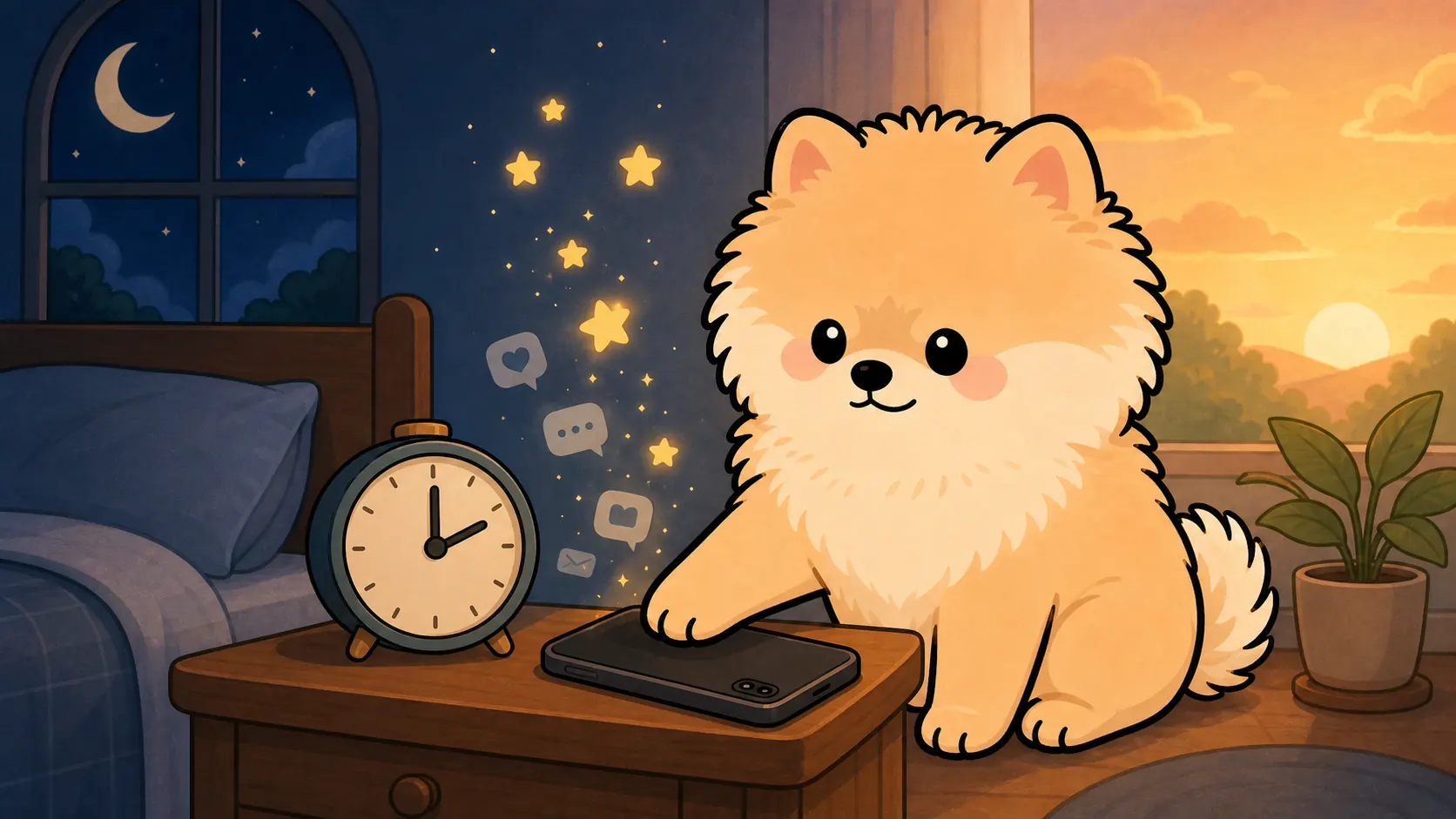
The 0.8-Second Ritual That Proves Screen Time Limits Are a Joke
It's 2:14 AM. The blue light from my iPhone's OLED screen is practically searing my retinas, my right thumb is cramping from friction, but I am still mechanically swiping up. I don't even care about the videos anymore. I'm just chasing the microscopic dopamine hit of the next frame.
Then the grey system overlay pops up. "Time Limit Reached for Instagram."
My thumb moves entirely on muscle memory. Tap "Ignore Limit." Tap "Ignore for Today." Total time elapsed: 0.8 seconds. I am right back in the feed, feeling a dull wave of self-loathing wash over me.
This pathetic, 0.8-second ritual proves why native screen time limits are a joke. Apple built a defense mechanism that relies on the exact same depleted willpower it's supposed to protect. It asks a brain starved for stimulation to politely turn down an all-you-can-eat buffet. The immediate gratification of bypassing a warning prompt will always override your abstract, long-term goal of getting eight hours of sleep.
Why Every Pomodoro Timer Felt Like a Digital Prison
For six months, I cycled through every Pomodoro timer on the App Store. They all felt the same: cold, ticking countdowns acting like strict digital prison guards. Staring at a blood-red 60:00 timer didn't cure my doomscrolling; it just gave me a different kind of anxiety. I didn't need to be punished. I needed to be bribed. So, I built PuppyFocus, which finally went live on the App Store this morning.
How PuppyFocus Actually Works
I'm not going to pretend PuppyFocus is a magic bullet for your dopamine addiction. It's essentially a gamified Pomodoro timer masquerading as a needy virtual dog — but that minor shift in friction changes everything. You name your white puppy. You set your focus duration. You put the phone face down and walk away.
While you are grinding through a massive spreadsheet, reading a textbook, or just trying to watch a movie without checking Twitter, your phone isn't screaming at you. Instead, every minute you spend off your device translates into Kibble dropping into your dog's virtual bowl.
This sounds painfully simple, but it tackles the root psychological problem of how to stop doomscrolling. You cannot just block a bad habit; your brain will fight back. You have to replace it with a more rewarding, instant feedback loop. When your session ends, the app doesn't just buzz aggressively. A paper-style card slides up on the screen, revealing the exact amount of Kibble you just earned. You take that currency straight to the in-app shop to buy a new pixelated rug, a better bed, or squeaky toys to decorate your puppy's room.
It is pure, visual positive reinforcement. We already waste hundreds of hours grinding for virtual gold and skins in video games. I just wired that exact addictive psychological mechanism to the act of leaving your phone alone.
When Positive Reinforcement Isn't Enough
But I'm also a realist. Positive reinforcement alone isn't enough when your attention span is completely shattered. I've spent enough time reading threads about screen time habits for students to know that relying on a cute digital dog won't stop a mid-term panic scroll when the stress peaks. Sometimes, you don't need a carrot. You need a reinforced steel fence.
If you've ever dug into the actual technical differences of app blockers vs screen time settings, you know the native iOS restrictions are incredibly porous. That's why I decided to build a strict App Whitelist into PuppyFocus Pro using Apple's Family Controls API.
When you activate a Pro session, the distraction apps aren't just discouraged behind a grey screen; they are completely locked out at the system level. You literally cannot open them. Combine that with turning your iPhone sideways to activate the immersive landscape flip clock, and your phone instantly stops being a portal to the internet. It becomes a dedicated, single-purpose desk tool. If you manage to sustain that deep, uninterrupted work for 30 minutes, the system automatically drops a premium Bone reward on top of the Kibble.
Free vs Pro: What You Get
I made sure the core loop isn't locked behind a paywall. The free tier gives you the complete Pomodoro timer, the basic white noise, the Kibble earning, and the room decoration. The Pro upgrade is strictly for the people who need that hardcore, API-level distraction blocking and the deep-dive productivity statistics across weeks and months.
Start Small — Don't Set Unrealistic Goals
My eyes are completely bloodshot from staring at Xcode and the App Store Connect dashboard for the last 72 hours. There are probably a few UI bugs I missed, and my desk is covered in empty coffee cups. But the app is live.
Don't set some unrealistic goal to go on a 30-day digital detox starting tomorrow. Just search PuppyFocus in the store, name the dog, set a 25-minute timer, and see if you can focus long enough to buy it a decent rug. 🐕
I'm going to go crash now. ☕