Why Strict Focus Apps Fail You
Curing smartphone addiction with gentle productivity.
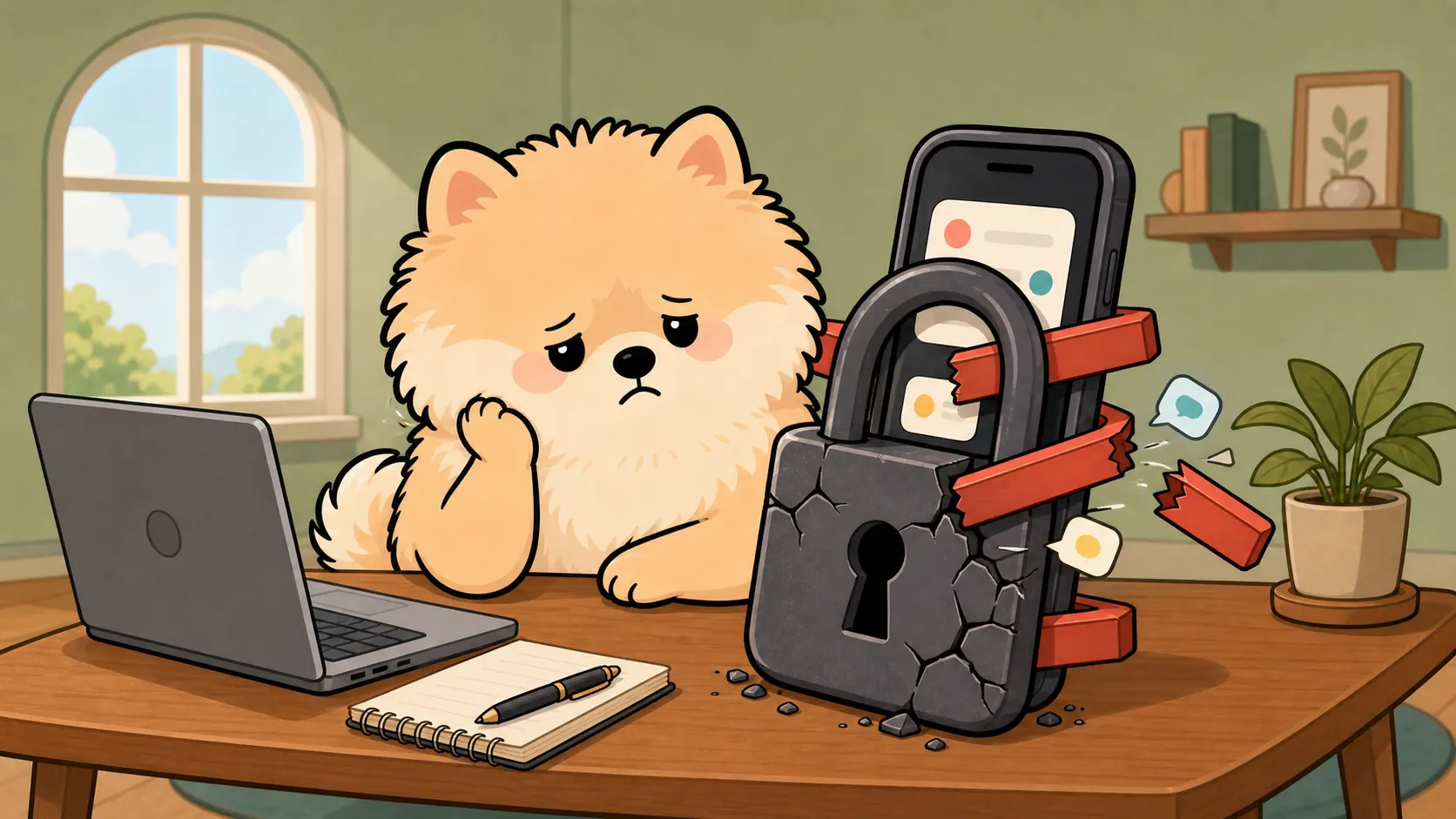
Listen. As an indie developer who has struggled with digital anxiety, I have seen firsthand why most productivity tools fail us. It is not a willpower issue. You are fighting an entire industry optimized to keep you scrolling. But instead of fighting back with harsh restrictions and punishments, we need a different weapon: gentle consistency.
Let's talk about why the old methods are failing you, and how we actually fix this.
The Dopamine Trap: Why "Just Putting the Phone Down" Backfires
- The Rebound Effect of Strict Mode: You know those hardcore blocker apps? They act like a strict parent. They lock your screen, flash red warnings, and punish you for touching your device. What happens next? You white-knuckle through the timer. Your anxiety spikes. For many, forcing a digital lockdown only creates a massive rebound effect. The very second the block lifts, you grab your phone and binge-scroll for an hour. It is a digital diet crash that often backfires.
- Redefining the Pomodoro Technique: For a brain accustomed to the rapid pace of short-form videos, staring at a traditional 25-minute ticking countdown feels more like an anxiety trigger than a focus aid. We need to make starting a task easy. Instead of just removing the "bad" dopamine of scrolling, we have to replace it with positive, low-stress feedback. Getting through your tasks should feel light and rewarding, not like a grueling test of endurance.
Hardcore Tech Meets Soft Companionship
- True App Whitelisting via iOS Screen Time API: Telling someone to just put their phone in airplane mode is useless advice today. You probably need your phone for a dictionary, a calculator, or work emails. You need smart, absolute boundaries. This is where PuppyFocus steps in. It uses the native iOS Screen Time API to provide an OS-level interception. It strictly blocks the apps that distract you—like Instagram or TikTok—while keeping your essential tools open. It creates a digital shield that you actually control.
- Live Activities & Desktop Flip Clocks: Every screen unlock is a trap. You just want to check the time, but a single notification derails your hour. This is why minimizing interaction is crucial. If you must look at your phone, modern tools like Live Activities keep your focus progress right on the lock screen and the Dynamic Island. You glance at the screen, see your time, and put the phone back down. Zero screen unlocking. Zero distraction traps.
Drowning in Focus Apps: Why I Built a Virtual White Dog
- Breaking the "Data Anxiety": Look at the App Store right now. Every productivity tool wants to give you a dashboard that looks like a Wall Street spreadsheet. I do not want a corporate performance review on a Tuesday afternoon. I just want a calm environment. PuppyFocus drops the data anxiety entirely. Instead of a cold pie chart, you get a virtual white dog—a quiet, loyal companion sitting on your screen while you work.
- The Kibble & Bone Economy: Here is the brilliant part. You trade your real-world focus time for virtual dog food—Kibble. When you enter a state of deep, prolonged focus, you earn a rare Bone. You are swapping the cheap, empty thrill of a social media "like" for the satisfying feeling of taking care of a pet. It gamifies your work, fills the dopamine void, and keeps you engaged without stressing you out.
- High ROI for Students & Professionals: Focus tools should not cost as much as a streaming subscription. For a student cramming for finals, or a professional drowning in emails, the entry cost here is incredibly low. You are simply buying your hours back.
The Transformation: Visualizing Efficiency
Achieving Flow State with "Gentle Productivity"
You do not have to be a machine. We have to stop forcing productivity through guilt and stress. This is the era of Gentle Productivity. You build a quiet digital space, you invite a virtual companion to sit with you, and the flow state happens naturally. You are no longer fighting your phone. You are finally working with it.