Choose what stays available
Keep the apps your task requires—such as notes, music, a calculator, or a reading app—while selected distractions remain shielded.
PuppyFocus Pro uses Apple’s Screen Time frameworks to shield distracting apps during a focus session. Choose the useful apps you still need, start the timer, and let your virtual puppy reward the attention you protect.
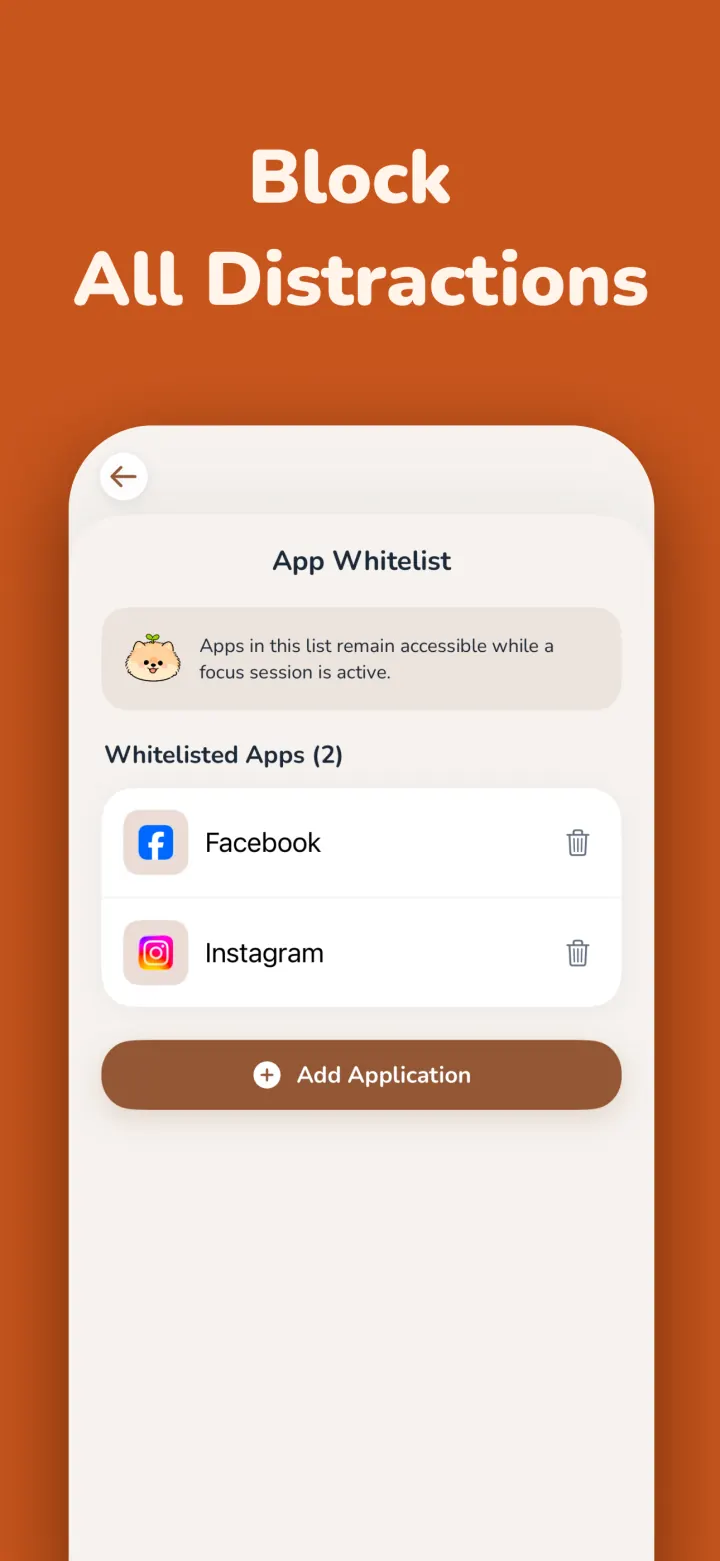
Do Not Disturb can silence an alert, but it does not stop you from opening TikTok, Instagram, YouTube, Reddit, or another habitual distraction. A focus whitelist changes what remains available during the session.
Keep the apps your task requires—such as notes, music, a calculator, or a reading app—while selected distractions remain shielded.
PuppyFocus relies on Apple’s Screen Time and FamilyControls authorization rather than a browser extension or a separate device-management profile.
The virtual puppy and Kibble rewards give the session a positive finish, so strict blocking does not have to feel like punishment.
Grant the Apple authorization PuppyFocus needs to apply app shields. PuppyFocus cannot see your messages, passwords, or the content inside other apps.
Choose the few apps that genuinely support the task. Leave TikTok and other distracting apps outside the allowed list.
Begin the timer. Selected distractions stay unavailable until the session ends or you intentionally end the focus boundary.
| iPhone focus method | What it changes | Best for |
|---|---|---|
| Do Not Disturb | Silences many notifications | Reducing interruptions when you already have control |
| Standard Screen Time limits | Adds a time limit and override screen | Awareness and lighter daily boundaries |
| PuppyFocus whitelist | Leaves only chosen apps available during the session | Work, study, and deep-focus blocks that need more friction |
Apple’s Screen Time authorization gives PuppyFocus identifiers that can be used to apply shields. It does not expose your TikTok feed, messages, photos, browsing content, passwords, or account credentials to PuppyFocus.
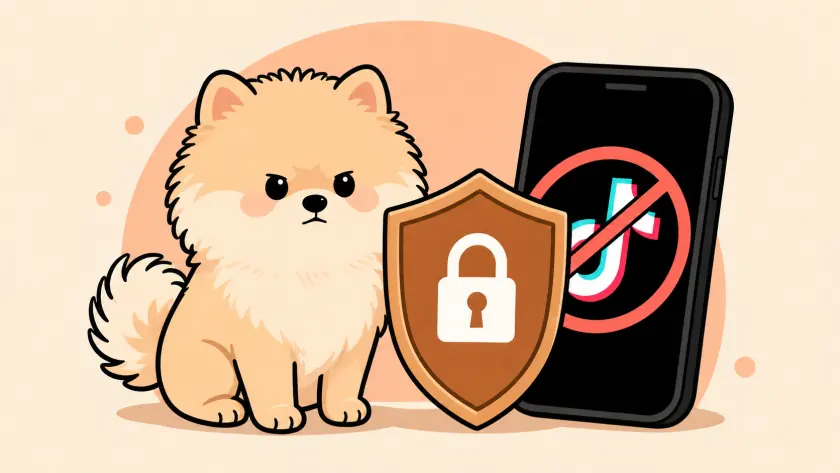
You can still end a session, revoke Screen Time access, or uninstall an app. The goal is not to make escape impossible; it is to add enough deliberate friction that an automatic phone check becomes a conscious choice.
PuppyFocus Pro can keep TikTok unavailable during a focus session by using Apple’s Screen Time frameworks and your selected app whitelist.
Yes. The whitelist is designed for exactly that: keep the apps required for the task while shielding the apps that usually pull you away.
No. Screen Time authorization lets PuppyFocus apply shields to selected apps; it does not expose the content or credentials inside those apps.
Start with a timer, a strict whitelist, and a puppy waiting at the finish.